BTD6 visual strategy tool
BTD6 Planner
Create a shareable BTD6 map plan: choose a map and difficulty, place numbered tower or hero markers, set upgrade paths, then export an image or copy a plan link for sharing with friends and comparing layouts.
Updated 2026-06-07 by TDGameTools.
BTD6 map planner
Build the layout on the map
Map setup
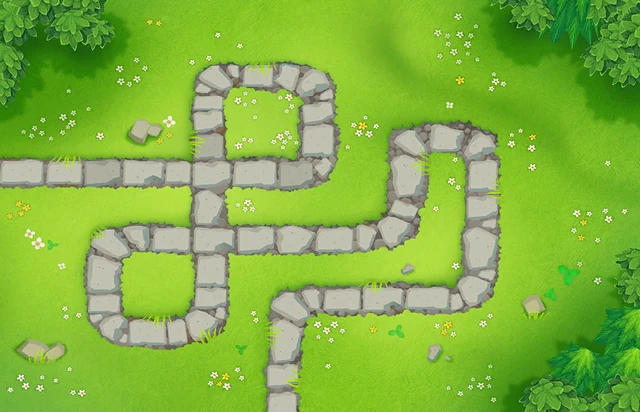 EasyGoal R60
What is the BTD6 Map Planner?
Plan the layout visually. The BTD6 Map Planner helps players sketch a Bloons TD 6 strategy before or after a run. Choose a map, set a difficulty and round goal, place numbered tower or hero markers, record upgrade paths, reorder placement steps, and export a shareable plan image.
Use it for sharing and comparison. The planner is useful for comparing openings, explaining co-op layouts, saving boss-event ideas, or showing where a support tower should sit relative to a damage zone. Players can revisit the exported image when discussing a route, opening, or support placement.
Know the limits. It is not a simulator and does not verify cash, tower range, attack timing, round safety, or whether the setup can beat the selected map. TDGameTools treats map and tower thumbnails as small identifying references; the strategic value should come from player-created layouts and notes.
Tower guides to use while planning
Start with the job each marker is supposed to solve: opening, economy, support cluster, backline insurance, or specialist damage.
References that make plans easier to read
Current limits
This is a visual planning tool, not a simulator. It does not verify cash, range, round timing, or whether a layout can beat a map. Round goal is user-entered and appears on the exported image for sharing.
Map and tower thumbnails are small identifying references. They are kept replaceable and should not become the main value of the page; original diagrams and player-created layouts should carry the strategy.